How to Create a Custom AI Meditation (Step-by-Step Guide)
Learn how to create a custom meditation with SoulWave's AI meditation generator. A step-by-step guide to building a personalized session for sleep, focus, or calm.

Most meditation apps hand you the same recording everyone else hears. But the day you can’t sleep before a big interview is not the same as the day you’re processing a breakup, and a one-size-fits-all track rarely meets you where you actually are. The good news is that learning how to create a custom meditation now takes about a minute, and the session you get is written for your exact state of mind.
In this step-by-step guide, we’ll walk through how to build your own personalized meditation using SoulWave, why a tailored session tends to land deeper than a generic one, and how to write an “intention” prompt that produces something genuinely useful.
Why personalization beats generic recordings
A traditional library of pre-recorded meditations is, by design, an average. It’s written for the average listener facing the average problem. That can still be soothing, but it asks you to translate your specific feeling into someone else’s general script.
A custom meditation app flips that. Instead of searching for the track that’s closest to how you feel, you describe how you feel and the session is built around it. With SoulWave, this happens in real time: Google Gemini writes an original meditation script from your mood and chosen length, ElevenLabs narrates it in a warm, studio-grade voice, and generative ambient music is composed to match. Nothing is a template, and no two sessions are identical.
That specificity matters. When a meditation names the thing you’re carrying, whether it’s racing exam nerves or post-breakup heaviness, your attention settles faster because it doesn’t have to do the work of adapting. If you want a deeper comparison of the two approaches, see AI meditation vs. traditional apps.
How to create a custom meditation, step by step
Custom mode is a SoulWave Pro feature, so you’ll want an active subscription (a free trial may be available) to follow along. Once you’re set, here’s the full flow.
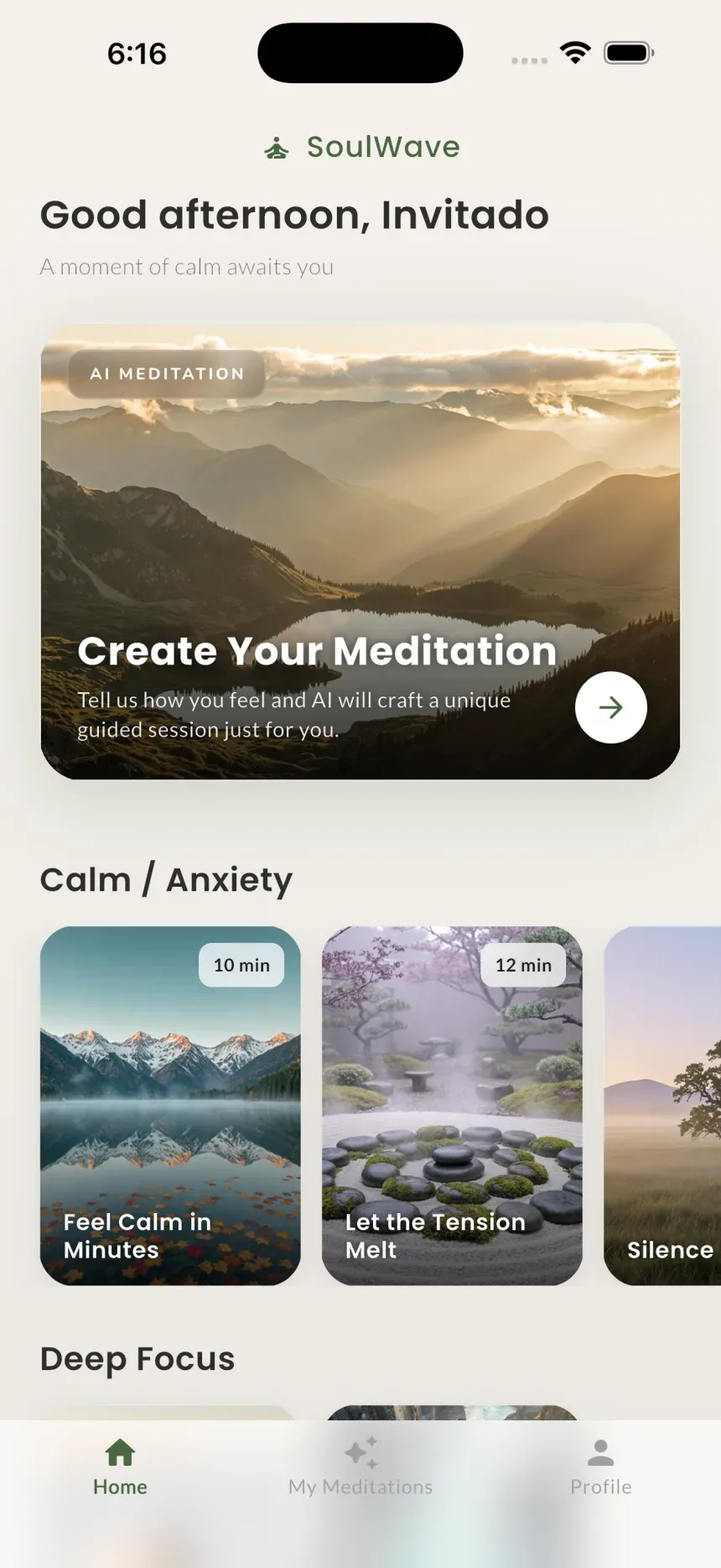
- Open the SoulWave app. Launch SoulWave on your iPhone and let the home screen load. Android is coming soon.
- Choose Custom mode. SoulWave offers four modes: Breathing, Mindfulness, Relaxation, and Custom. Select Custom to build a session from scratch around your own intention.
- Describe how you feel, by voice or text. This is the heart of the AI meditation generator. Tap the microphone and speak naturally, or type your intention. The mic is used only to turn your speech into text, and that audio is discarded immediately, never stored.
- Set the duration. Pick how long you want the session to run. A short session works well for a quick reset; a longer one suits winding down for sleep or a deeper practice.
- Choose an ambient sound. Layer in a backdrop that fits your mood: rain, waves, storm, campfire, or night. This sound plays gently under the narration.
- Generate the session. Confirm your choices and let SoulWave compose your meditation. In moments, you’ll have an original script, professional narration, and matching music built just for you.
- Listen. Put on headphones if you can, get comfortable, and play your personalized meditation. Because it was written for your stated intention, the guidance should feel like it’s speaking directly to your situation.
- Save it to your library. If a session resonates, save it so you can return to it anytime, without regenerating.
That’s the entire process. The skill that makes the biggest difference isn’t technical; it’s how you describe what you need in step 3.
How to write a great “intention” prompt
Think of your intention as a short, honest note to the guide. You don’t need perfect words, but a few details help the AI shape something precise. A strong intention usually includes three things: how you feel, why, and what you’d like by the end.
| Weak intention | Stronger intention |
|---|---|
| ”I’m stressed." | "I’m anxious about an exam tomorrow and can’t stop replaying worst-case scenarios. Help me calm down and feel prepared." |
| "Help me sleep." | "My mind is racing and I’ve been lying awake for an hour. I want to slow down and drift off." |
| "I feel bad." | "I’m grieving the end of a relationship and feel heavy. I’d like comfort and a little self-compassion.” |
Notice how the stronger versions name the feeling, the cause, and a gentle goal. You don’t have to be poetic, just specific and truthful.
Here are concrete example intentions you can adapt:
- Exam nerves: “I have a test in the morning and my chest feels tight. Help me release the pressure and trust that I’ve done enough.”
- Can’t sleep: “It’s late, I’m wired, and I keep checking the clock. Guide me to let go of today and ease into rest.”
- Gratitude: “Nothing’s wrong, I just want to slow down and appreciate the good things in my life right now.”
- Post-breakup: “I’m hurting after a breakup and feel unsteady. I want to feel grounded and kind toward myself.”
- Focus before work: “I have a demanding day ahead and feel scattered. Help me clear my head and set a calm, focused tone.”
- Overwhelm: “There’s too much on my plate and I feel frozen. I’d like to breathe, reset, and take one thing at a time.”
The more your intention reflects your real experience, the more a personalized meditation can meet it. For mood-specific guidance, our piece on AI meditation for sleep and anxiety goes deeper on those two common needs.
Getting the most from your custom sessions
A few small habits make custom sessions even more effective:
- Be present in your prompt. Describe how you feel now, not how you wish you felt. Honesty produces a more fitting session.
- Match duration to context. A few minutes is plenty for a midday reset; reserve longer sessions for sleep or deeper practice.
- Experiment with ambient sound. Rain and night tend to suit sleep, while waves or campfire can feel grounding for focus and reflection. Try a few and notice what helps you settle.
- Save what works. Build a small personal library of go-to sessions for recurring moments, like the pre-meeting reset or the wind-down before bed.
Frequently asked questions
Do I need a subscription to create a custom meditation?
Yes. Custom mode is part of SoulWave Pro, which unlocks the custom AI meditation generator and unlimited generations. SoulWave is free to download, and Pro is available on a weekly, monthly, or annual plan, which may include a free trial. The other modes, Breathing, Mindfulness, and Relaxation, are still available to explore.
Is my voice recording stored when I speak my intention?
No. The microphone is used only to turn your speech into text for your intention, and that audio is discarded immediately. It is never stored on servers. SoulWave also serves no third-party ads, never sells your data, and encrypts your data in transit and at rest.
How long does it take to generate a personalized meditation?
Just moments. After you describe your intention, set a duration, and pick an ambient sound, SoulWave composes an original script, professional narration, and matching music in real time. Each session is brand-new and unique to that request.
Can a custom meditation help with anxiety or sleep problems?
A tailored session can support relaxation and help you wind down, and many people find that naming what they’re feeling makes it easier to settle. That said, SoulWave supports general wellness and is not a substitute for professional care. If anxiety or sleep difficulties persist, please consult a qualified healthcare professional.
This article is for general wellness and informational purposes only and is not medical, psychological, or therapeutic advice.
Try SoulWave
Ready to build a meditation that’s actually about you? Open SoulWave, choose Custom mode, and describe how you feel in your own words. In about a minute you’ll have an original, personalized session, narrated and scored just for this moment. Create your first custom meditation on the App Store.
Keep reading

AI Meditation for Sleep and Anxiety: A Practical Guide
AI meditation for sleep creates a brand-new, personalized session in real time to help you wind down and calm anxious moments. Here's how to use it tonight.
Read article →
AI Meditation vs. Traditional Meditation Apps: What's the Difference?
AI meditation creates a brand-new session for your exact mood, while traditional apps offer fixed libraries. Here's how the two approaches really differ.
Read article →